At Oflivio we respect your privacy. If you wish to stop using our services, you can request the deletion of your account and all your personal data easily from the application.
Steps to delete your account
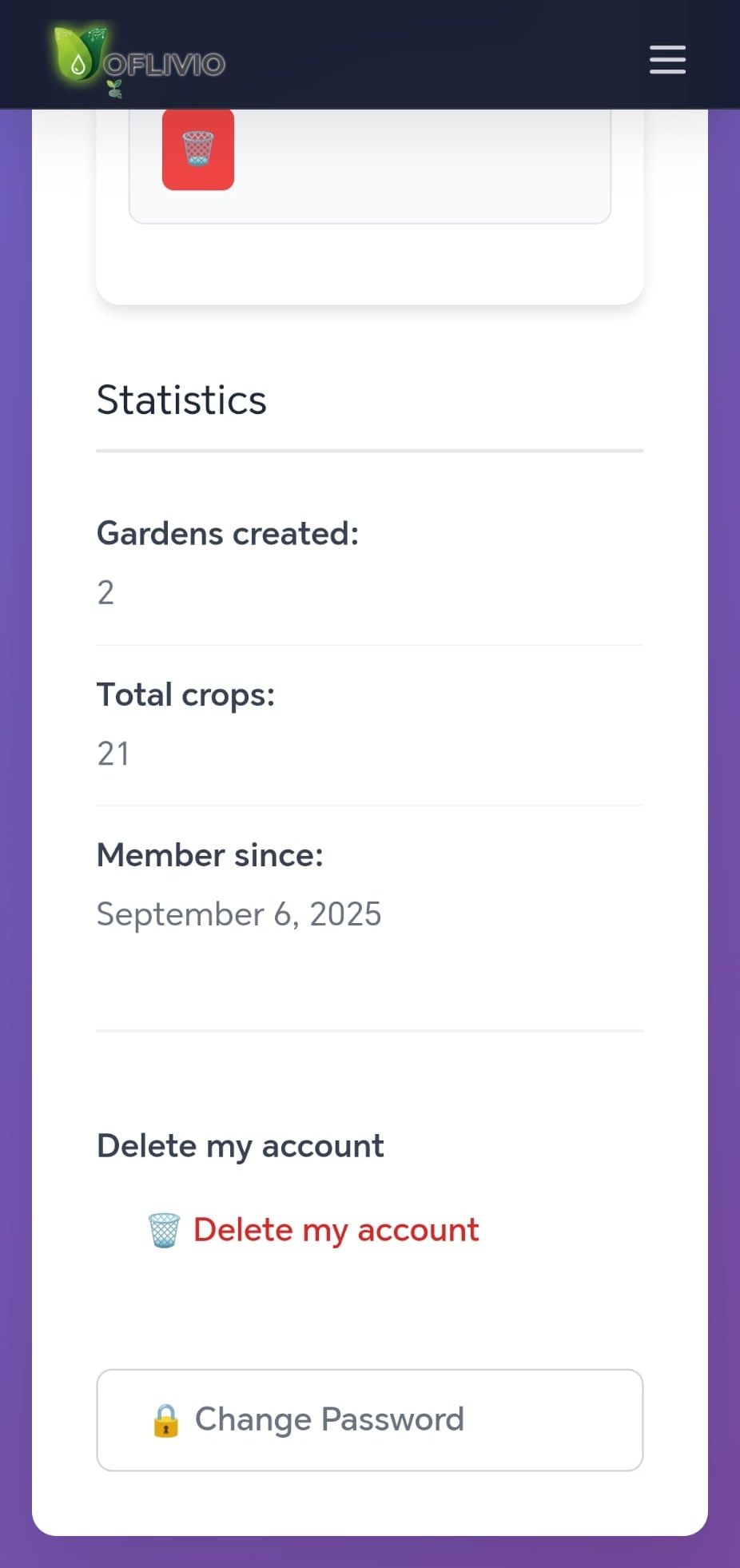
1. Open the Oflivio app on your mobile device.
2. Go to Settings or Configuration.
3. Find and select the Delete account option.
4. Confirm the action in the pop-up window that will appear.
What data will be deleted?
By deleting your account, the following will be permanently deleted:
- Your profile information (name, email, photo)
- All your configured gardens and their designs
- Your crop history and tracking
- Your statistics and progress on the platform
- Your active subscriptions and associated payment methods
Retention period: We retain certain data for the legally required period (e.g., billing records for 5 years for tax obligations). The rest of your personal data will be deleted from our active servers within a maximum of 30 days.
This action is irreversible. Once the account is deleted, you will not be able to recover your gardens or your progress.
Manual deletion request
If you cannot access the application, you can request deletion by sending an email to soporte@oflivio.com from your account's email. We will process your request within 7 business days.